Why does the geomagnetic service show low traffic but experience mass disconnections at month-end?
Low-power devices like parking magnetic sensors and NB smoke detectors often run out of data quotas by month-end due to ignored background traffic such as heartbeat packets, leading to throttling or disconnection. This article explains the hidden traps in data consumption for bulk devices and blind spots in low-cost solutions. It offers self-check and configuration recommendations covering heartbeat strategy trade-offs, data usage modeling, and buffer quota allocation.
Low-power devices like parking magnets and NB smoke detectors often fall victim to the "data illusion."
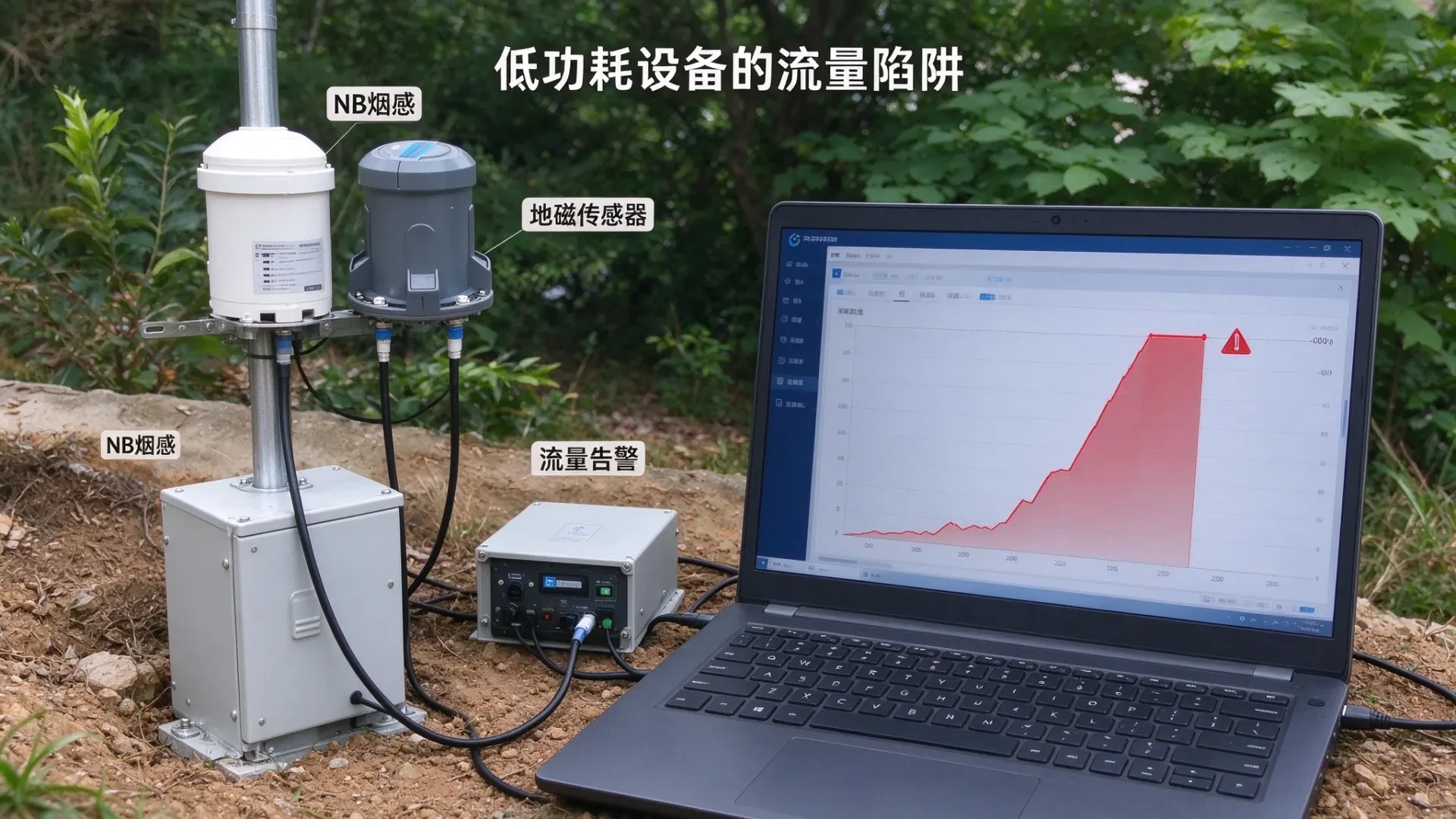
At midnight on the last day of the month, the backend triggered a flood of alerts: dozens of parking lot magnetic sensors went offline in bulk. On-site checks confirmed that power and signal strength were normal, with no hardware damage. The issue wasn't device failure or base station problems—it was single-SIM data quota exhaustion, which triggered throttling and disconnection. Many underestimate this: a monthly data plan of just tens of MB may seem generous, but it gets silently drained by heartbeat packets.
01 appears low individually, but batched usage hides hidden consumption traps
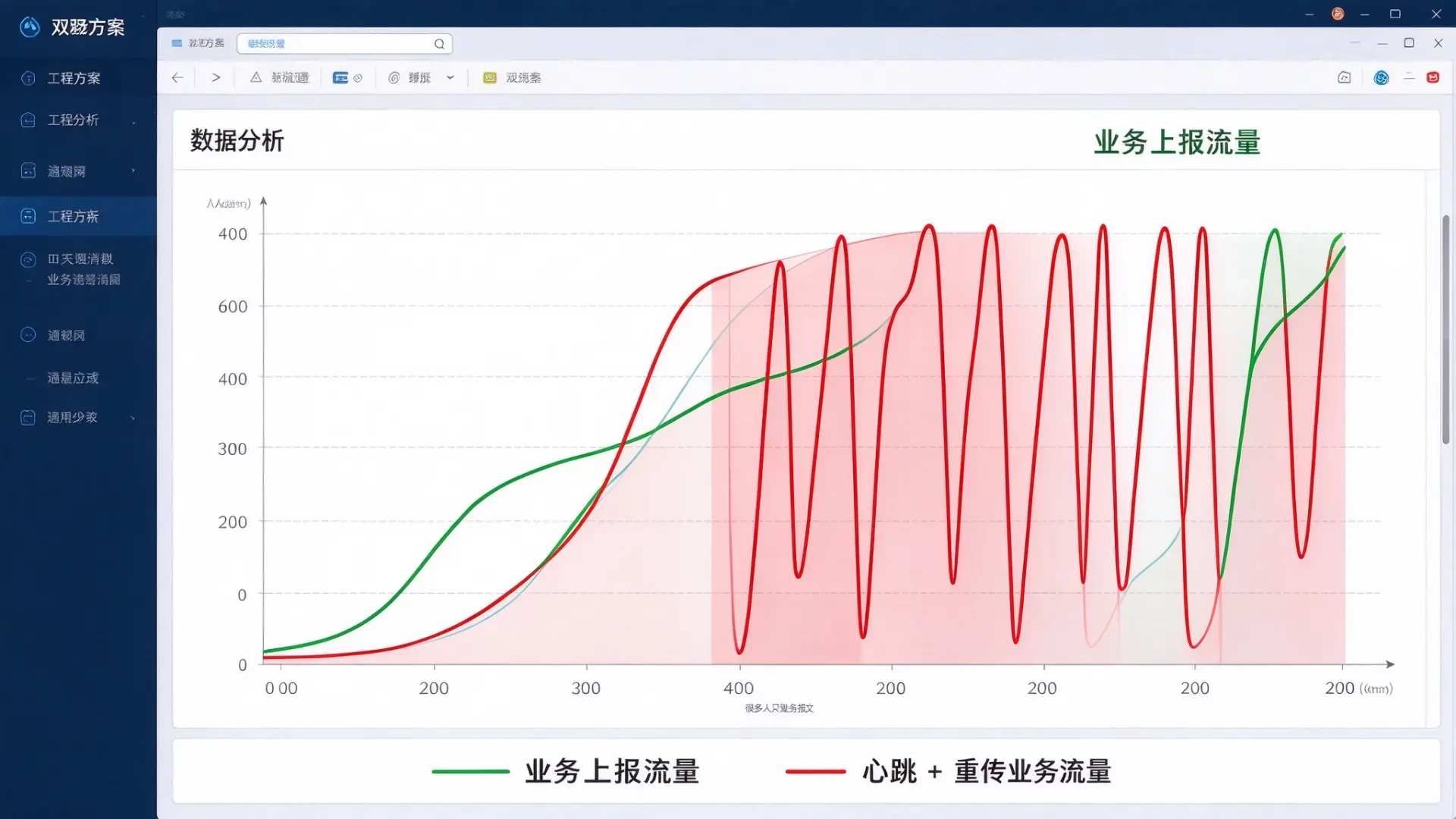
Magnetic field sensors, manhole covers, fire water pressure monitors, and smart smoke detectors are all typical low-frequency reporting devices. Normal business data volume is minimal, with each message containing only a few dozen bytes. Many solutions calculate traffic based solely on business reports: if a device sends updates a few times a day, the monthly total seems negligible, leading to the selection of small data plans. However, many debugging engineers overlook heartbeat packets. To maintain an online status, devices must periodically handshake with the platform to keep the connection alive. If the heartbeat frequency is set too high, the cumulative traffic consumption far exceeds that of business data. While this may seem insignificant for a single device, deploying hundreds or thousands of units can cause traffic consumption to double rapidly.
Heartbeat strategies are a double-edged sword: frequent heartbeats improve real-time online visibility, while infrequent ones risk disconnection. Many projects tune heartbeats too aggressively during early debugging to ensure stability, only to discover mid-month that their traffic quota has been prematurely exhausted.
Traffic throttling is a hard system rule triggered only when the quota is exhausted; no proactive alerts are sent to operations teams before this occurs. All devices are treated equally regardless of priority—once the limit is reached, connectivity is uniformly restricted for all, with no reserved capacity for critical monitoring devices.
Focusing solely on cutting costs per card, as seen in low-cost solutions.
When comparing proposals, the first reaction is often to compare monthly costs per device and choose the cheapest option. Few consider hidden data usage from heartbeat packets, retransmissions, exception reporting, and network retries during the initial planning phase. Occasional signal fluctuations, network retries, and duplicate reports consume extra data. The more complex the site environment, the greater the data usage variability.
Consequences of overlooking pitfalls: In standard magnetic field projects, data gaps lead to missing parking statistics and reconciliation headaches. For alert-based devices like fire smoke detectors or manhole security sensors, exhausted data plans cause network outages, preventing critical alerts from being transmitted. This directly violates project safety red lines and results in an automatic rejection during acceptance testing.
To gauge whether a solution is reliable, ask yourself this simple question: Does the traffic plan include buffer for heartbeats, retries, and error reporting? If you can't answer yes, it likely accounts only for business-reported traffic without proper traffic modeling.
Many low-cost plans save money upfront but lose it all to emergency repairs, client rework, and delayed acceptance. Don't wait for end-of-month offline alerts to flood your dashboard before reviewing your traffic consumption model. Getting the traffic model right from the start is far more reliable than scrambling to replace SIM cards or expand capacity after an incident.
Send me the device type, reporting frequency per device, and heartbeat interval. I'll calculate the traffic model and provide tailored configuration recommendations. Let's focus on consumption first—no pricing discussion yet.